





Xnovix on your home screen
Use Xnovix just like a regular app.
Quick access, a secure HTTPS connection and completely free installation!
Use Chrome, Opera or Samsung Internet on Android, or Safari on iPhone and iPad.
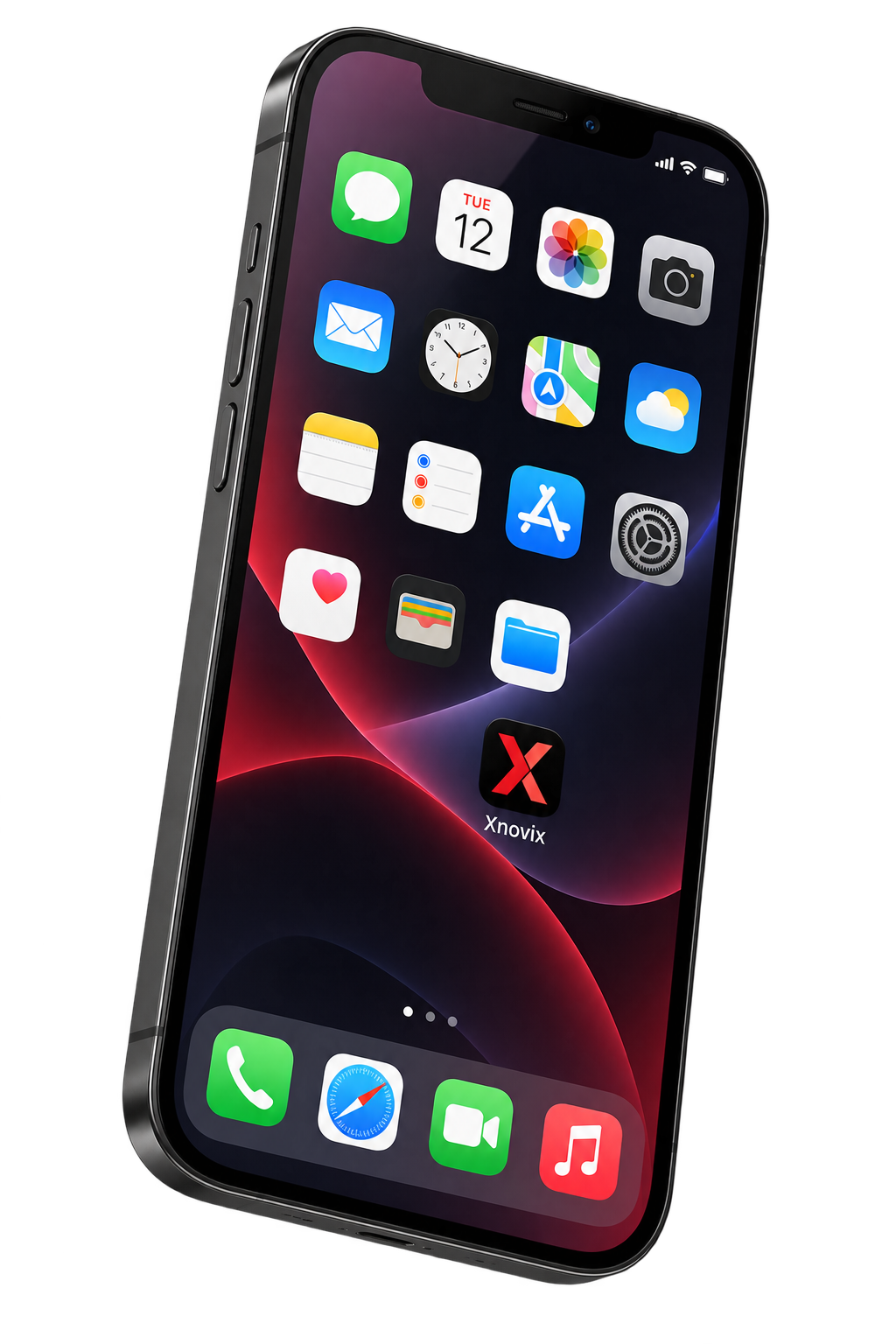
Follow these steps to add Xnovix to your home screen:
Open xnovix.com in Chrome.

Tap the three dots in the top-right corner.

Select “Add to Home screen” or “Install app”.

Tap “Install” or “Add” in the dialog. If you are creating a shortcut, you can change its name.

Tap the Xnovix icon on your home screen. The website is now just one tap away.


Open xnovix.com in Safari.

Tap the Share icon. If it is not visible, open the page menu and choose “Share”.

Scroll down the share sheet and select “Add to Home Screen”.

Keep the name Xnovix or change it. If “Open as Web App” is shown, leave it enabled, then tap “Add”.

Tap the Xnovix icon on your home screen. You are ready to go!


Menu labels and positions may vary by browser version. Installation does not include free access to paid content.
Go to Xnovix